Automation
Automating Tasks with Python Scripts
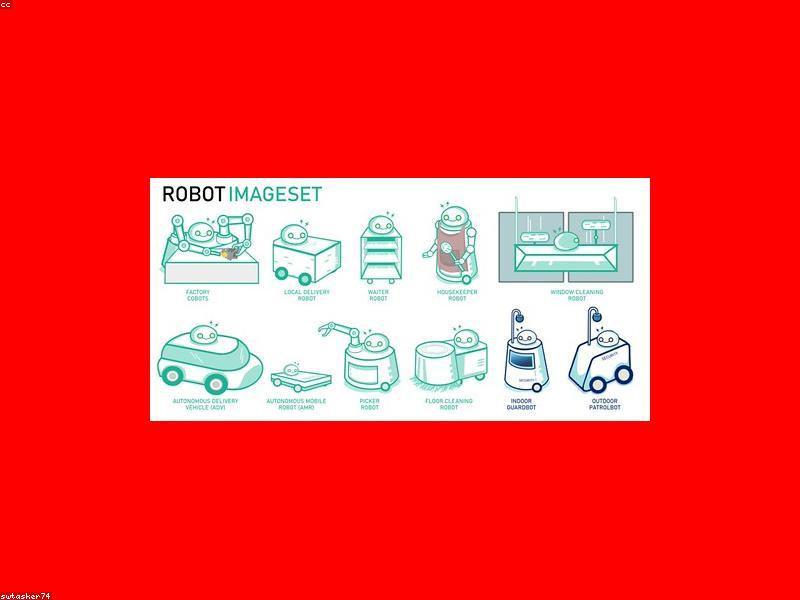
One of Python's greatest strengths is automation. If you find yourself doing the same thing on your computer repeatedly, you can probably automate it with Python. For file management, you can use the os and shutil modules to rename, move, or delete files in bulk. For example, you could write a script to organize your Downloads folder by moving files into folders based on their extensions. For web automation, you can use selenium to control a browser. This is useful for filling forms or testing websites. For data entry tasks, you can use Python to read from a spreadsheet and populate a web form. Python can also send emails automatically with the smtplib module. You can schedule these scripts to run at specific times using task scheduler on Windows or cron on macOS and Linux. Automation scripts are often short but can save you hours of manual work. A good starting point is to automate a simple task you do daily. It could be backing up a folder, checking a website for updates, or renaming a batch of photos. The satisfaction of watching your script do work for you is a great motivator to keep learning.
3,019
Views
196
Words
1 min read
Read Time
Apr 2025
Published